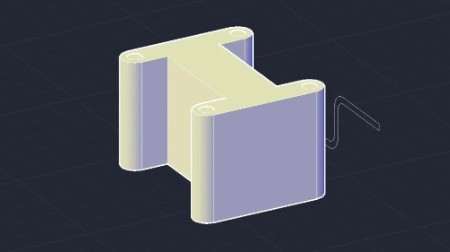
AutoCAD for Mac 2020 Essential Training
.MP4, AVC, 1280x720, 30 fps | English, AAC, 2 Ch | 5h 18m | 879 MB
Instructor: Jim LaPier
Looking for a full-featured CAD program that runs on your Mac? AutoCAD for Mac is the leading CAD application that runs natively on Apple computers. In this course, Jim LaPier focuses on the basics of AutoCAD for Mac 2020, helping you get acquainted with the interface, file management, and the application's toolset. He shows how to create and modify geometry to suit your needs, work with layers, add dimensions and annotations, and plot your drawings. Plus, review the basics of 3D modeling in AutoCAD for Mac and explore advanced features such as dynamic blocks, external references, and auditing.
Topics include:
Getting around the AutoCAD interface
Opening and saving files
Zooming and panning
Using views
Creating basic geometry
Object snapping
Modifying geometry
Creating layers
Creating and editing blocks and dynamics blocks
Using external references
Creating layouts
Working with viewports
Annotating drawings with text and dimensions
Plotting and sharing
Modifying 3D objects
Auditing drawings
More Info

DDownload
RapidGator
NitroFlare
We need your support!
Make a donation to help us stay online

Bitcoin (BTC)
bc1q08g9d22cxkawsjlf8etuek2pc9n2a3hs4cdrld

Bitcoin Cash (BCH)
qqvwexzhvgauxq2apgc4j0ewvcak6hh6lsnzmvtkem

Ethereum (ETH)
0xb55513D2c91A6e3c497621644ec99e206CDaf239

Litecoin (LTC)
ltc1qt6g2trfv9tjs4qj68sqc4uf0ukvc9jpnsyt59u

USDT (ERC20)
0xb55513D2c91A6e3c497621644ec99e206CDaf239

USDT (TRC20)
TYdPNrz7v1P9riWBWZ317oBgJueheGjATm