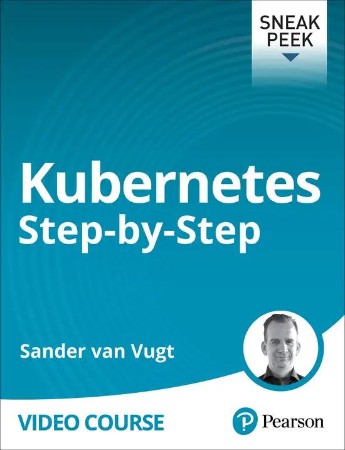
Kubernetes Step-by-Step
Released 2/2024
MP4 | Video: h264, 1280x720 | Audio: AAC, 44.1 KHz, 2 Ch
Genre: eLearning | Language: English | Duration: 3h 25m | Size: 611 MB
Table of contents
Introduction
Kubernetes Step by Step: Introduction
Lesson 1: Why Use Containers?
Learning objectives
1.1 What are Containers?
1.2 Run an App as a Linux Service
1.3 Run an App as a Container on Any Platform
1.4 Container Runtimes
1.5 Docker and Podman
Lesson 1 Lab: Run a Container with Docker or Podman
Lesson 1 Lab Solution: Run a Container with Docker or Podman
Lesson 2: Running Containerized Applications
Learning objectives
2.1 Turning Applications into Images
2.2 Running Containers from Images
2.3 Container Management
2.4 Local Container Limitations
Lesson 2 Lab: Running an Application as a Container
Lesson 2 Lab Solution: Running an Application as a Container
Lesson 3: Kubernetes, Containers and Cloud
Learning objectives
3.1 Running Containers in the Cloud
3.2 About Kubernetes
3.3 Installing Minikube
3.4 Decoupling in Cloud Environments
Lesson 3 Lab: Setting up Kubernetes with Minikube
Lesson 3 Lab Solution: Setting up Kubernetes with Minikube
Lesson 4: Running Applications in Kubernetes
Learning objectives
4.1 Running Pods
4.2 Running Deployments
4.3 Using YAML Files to Run Applications
4.4 Kubernetes Troubleshooting
Lesson 4 Lab: Running an Application from a YAML File
Lesson 4 Lab Solution: Running an Application from a YAML File
Lesson 5: Accessing Kubernetes Applications
Learning objectives
5.1 Kubernetes Networking
5.2 Services
5.3 Ingress
5.4 The Ingress Controller
Lesson 5 Lab: Providing Access to Applications
Lesson 5 Lab Solution: Providing Access to Applications
Lesson 6: Kubernetes Storage
Learning objectives
6.1 Storage in Cloud Environments
6.2 Connecting Applications to External Storage
6.3 Persistent Volumes
6.4 Auto-provisioning Storage
Lesson 6 Lab: Using Auto-provisioned Storage
Lesson 6 Lab Solution: Using Auto-provisioned Storage
Lesson 7: Decoupling Configuration
Learning objectives
7.1 Providing Configuration
7.2 ConfigMaps
7.3 Sensitive Values and Secrets
7.4 Using Secrets for Registry Access
Lesson 7 Lab: Providing Configuration to an Application
Lesson 7 Lab Solution: Providing Configuration to an Application
Lesson 8: Running Microservices
Learning objectives
8.1 What is a Microservice?
8.2 Installing Microservices Using YAML
8.3 Using Helm
8.4 Using Kustomize
Lesson 8 Lab: Installing a Microservice with Kustomize
Lesson 8 Lab Solution: Installing a Microservice with Kustomize
Summary
Kubernetes Step by Step: Summary
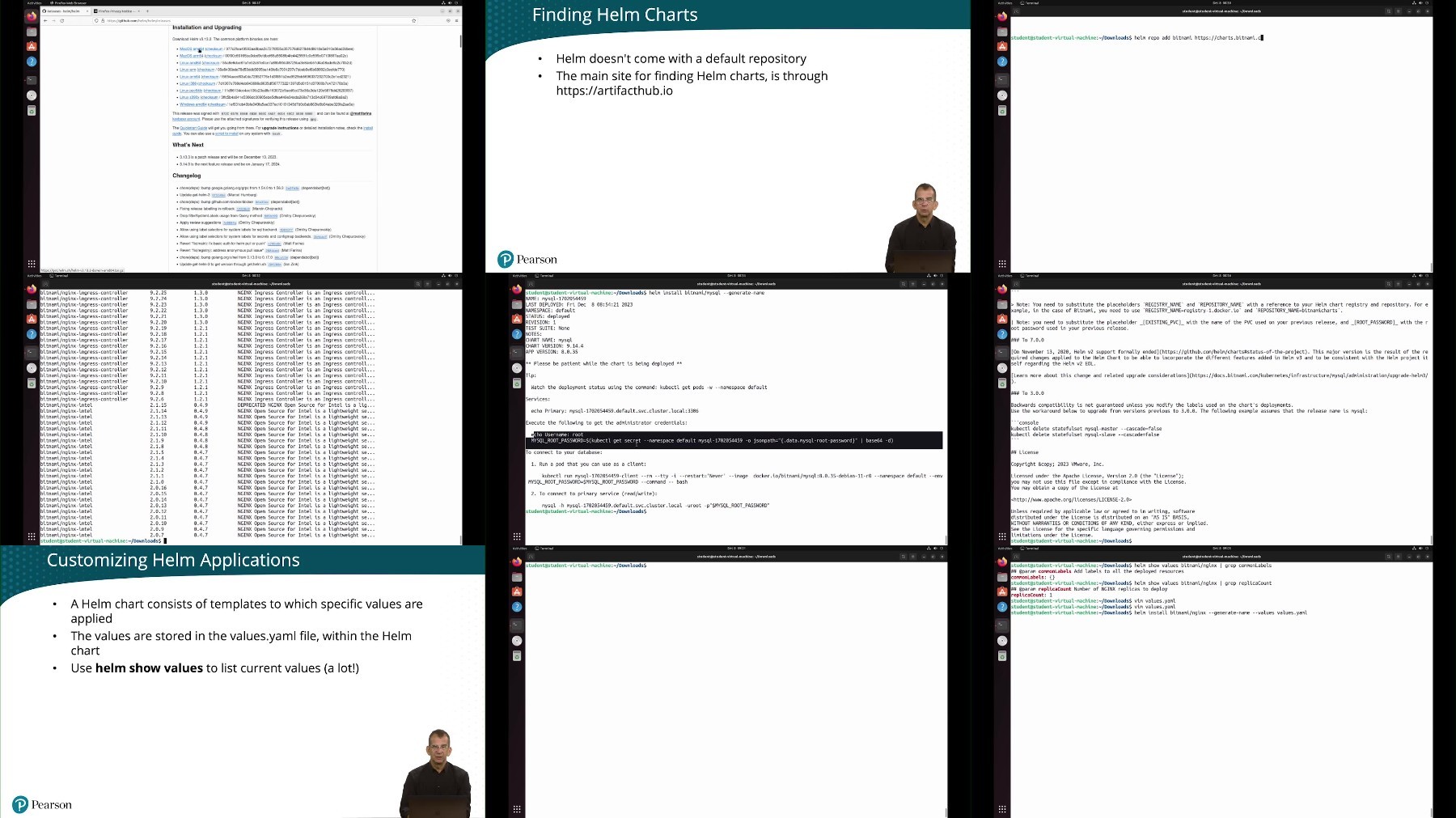
Introduction
Kubernetes Step by Step: Introduction
Lesson 1: Why Use Containers?
Learning objectives
1.1 What are Containers?
1.2 Run an App as a Linux Service
1.3 Run an App as a Container on Any Platform
1.4 Container Runtimes
1.5 Docker and Podman
Lesson 1 Lab: Run a Container with Docker or Podman
Lesson 1 Lab Solution: Run a Container with Docker or Podman
Lesson 2: Running Containerized Applications
Learning objectives
2.1 Turning Applications into Images
2.2 Running Containers from Images
2.3 Container Management
2.4 Local Container Limitations
Lesson 2 Lab: Running an Application as a Container
Lesson 2 Lab Solution: Running an Application as a Container
Lesson 3: Kubernetes, Containers and Cloud
Learning objectives
3.1 Running Containers in the Cloud
3.2 About Kubernetes
3.3 Installing Minikube
3.4 Decoupling in Cloud Environments
Lesson 3 Lab: Setting up Kubernetes with Minikube
Lesson 3 Lab Solution: Setting up Kubernetes with Minikube
Lesson 4: Running Applications in Kubernetes
Learning objectives
4.1 Running Pods
4.2 Running Deployments
4.3 Using YAML Files to Run Applications
4.4 Kubernetes Troubleshooting
Lesson 4 Lab: Running an Application from a YAML File
Lesson 4 Lab Solution: Running an Application from a YAML File
Lesson 5: Accessing Kubernetes Applications
Learning objectives
5.1 Kubernetes Networking
5.2 Services
5.3 Ingress
5.4 The Ingress Controller
Lesson 5 Lab: Providing Access to Applications
Lesson 5 Lab Solution: Providing Access to Applications
Lesson 6: Kubernetes Storage
Learning objectives
6.1 Storage in Cloud Environments
6.2 Connecting Applications to External Storage
6.3 Persistent Volumes
6.4 Auto-provisioning Storage
Lesson 6 Lab: Using Auto-provisioned Storage
Lesson 6 Lab Solution: Using Auto-provisioned Storage
Lesson 7: Decoupling Configuration
Learning objectives
7.1 Providing Configuration
7.2 ConfigMaps
7.3 Sensitive Values and Secrets
7.4 Using Secrets for Registry Access
Lesson 7 Lab: Providing Configuration to an Application
Lesson 7 Lab Solution: Providing Configuration to an Application
Lesson 8: Running Microservices
Learning objectives
8.1 What is a Microservice?
8.2 Installing Microservices Using YAML
8.3 Using Helm
8.4 Using Kustomize
Lesson 8 Lab: Installing a Microservice with Kustomize
Lesson 8 Lab Solution: Installing a Microservice with Kustomize
Summary
Kubernetes Step by Step: Summary
We need your support!
Make a donation to help us stay online

Bitcoin (BTC)
bc1q08g9d22cxkawsjlf8etuek2pc9n2a3hs4cdrld

Bitcoin Cash (BCH)
qqvwexzhvgauxq2apgc4j0ewvcak6hh6lsnzmvtkem

Ethereum (ETH)
0xb55513D2c91A6e3c497621644ec99e206CDaf239

Litecoin (LTC)
ltc1qt6g2trfv9tjs4qj68sqc4uf0ukvc9jpnsyt59u

USDT (ERC20)
0xb55513D2c91A6e3c497621644ec99e206CDaf239

USDT (TRC20)
TYdPNrz7v1P9riWBWZ317oBgJueheGjATm