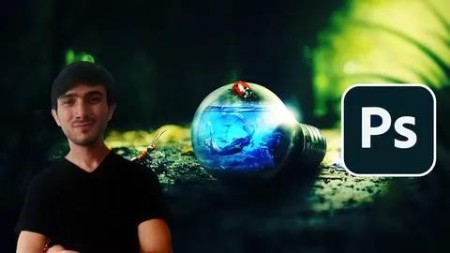
Best Photoshop Tutorials
Published 6/2024
MP4 | Video: h264, 1920x1080 | Audio: AAC, 44.1 KHz
Language: English | Size: 3.67 GB | Duration: 3h 51m
New level of Photoshop
What you'll learn
Basic Photoshop and raster design. Also how to create various of projects in adobe photoshop.
About one and a half hour course.
Learn how to design anything in photoshop
Complete course and start to work as a Photoshop artist.
Requirements
No programming knowledge. You will learn everything you need to know
Description
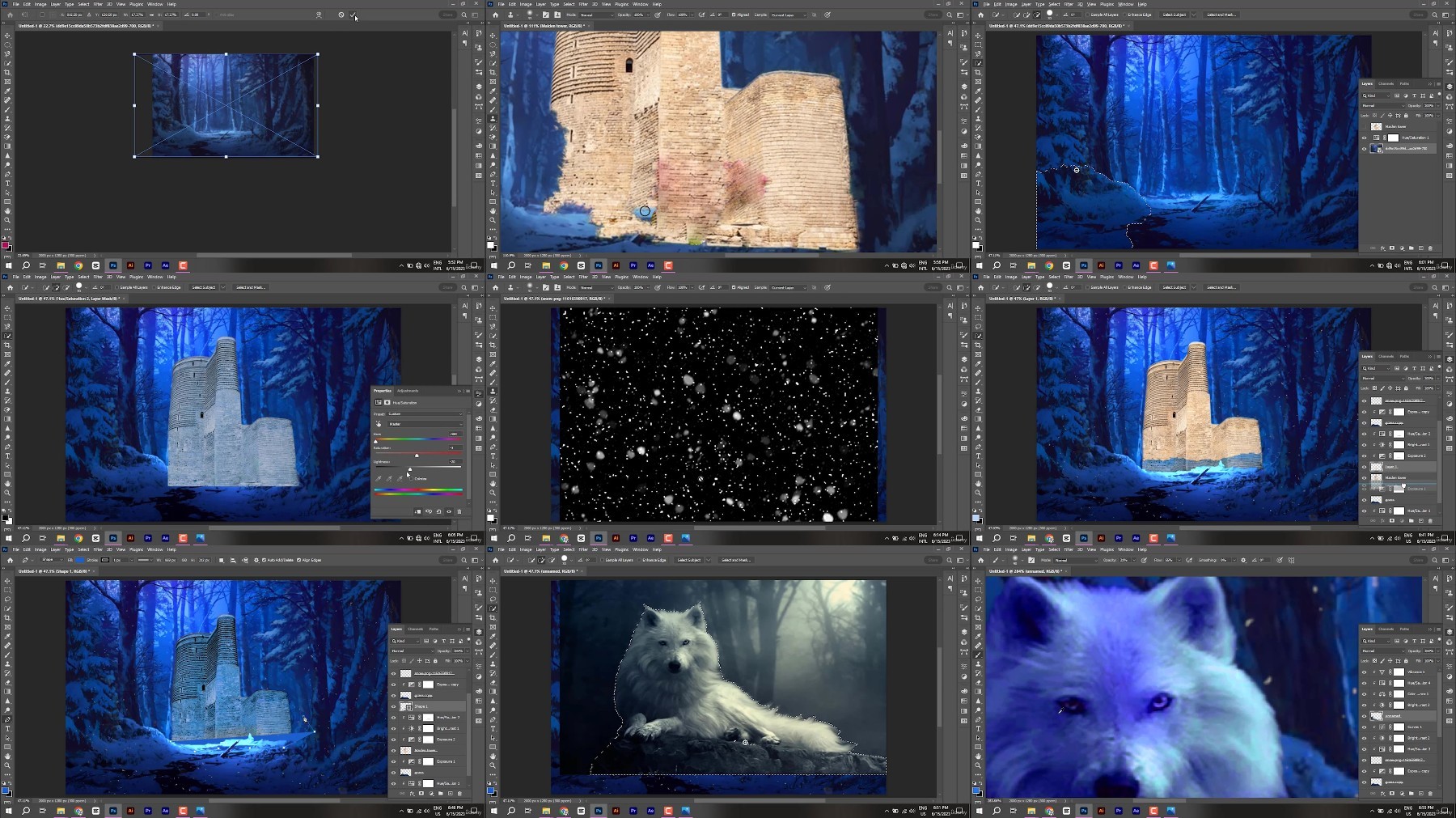
Learning is a hard process. But with this course, you can learn Photoshop easily. So get this course now to be the best at Photoshop. In this course you will learn:1. All Photoshop basics2. All Photoshop tools3. Poster, thumbnail and artwork design4. Photomanipulation5. How to use Photoshop professionallyWelcome to my online Photoshop lessons! Are you ready to unlock your creativity and master the art of visual communication? Whether you're a budding artist, an aspiring designer, or simply eager to enhance your Photoshop skills, my comprehensive online lessons have got you covered.This Course Is for beginners in graphic design. In this course, you are going to learn basic graphic design from A to Z. This course contains 18 special lessons. Each lesson teaches new specific topics. After this course, you will be able to work as a junior Photoshop artist.Full Photoshop and Special DesignsWhat you'll learnHave a deep understanding of typography, colour theory, photos, layout, blocking and other design theories and skillsUnderstand and learn the essential tools and capabilities of Adobe PhotoshopLearn photo editing and manipulation in Adobe PhotoshopWork through the entire package design processLearn non-destructive editing techniques in Adobe Photoshop
Overview
Section 1: Introduction
Lecture 1 Introduction
Section 2: Workspaces
Lecture 2 Workspaces
Section 3: First tools in Photoshop | Selection tools
Lecture 3 First tools in Photoshop
Section 4: Selection tools part 2
Lecture 4 Selection tools part 2
Section 5: Selection tools part 3
Lecture 5 Selection tools part 3
Section 6: Crop tool | Adobe Photoshop
Lecture 6 Crop
Section 7: Healing tools
Lecture 7 Healing
Section 8: Brush Tools
Lecture 8 Brush tool
Section 9: Stamp tool
Lecture 9 Stamp tool
Section 10: Gradient color
Lecture 10 Gradient
Section 11: Pen Tool
Lecture 11 Pen tool (selection)
Section 12: Thumbnail
Lecture 12 Thumbnail lesson
Lecture 13 Part 2
Section 13: Typography
Lecture 14 Type
Section 14: Poster design with Photoshop
Lecture 15 Poster design
Section 15: Double Exposure Effect
Lecture 16 Double Exposure
Section 16: 3D TEXT EFFECT
Lecture 17 3D TEXT
Section 17: Photomanipulation
Lecture 18 Photomanipulation
Beginner in photoshop.
https://rapidgator.net/file/21ae46921082e3421c594af410d5ff53/Best.Photoshop.tutorials.part1.rar
https://rapidgator.net/file/31892d051db2996d82d84755df904418/Best.Photoshop.tutorials.part2.rar
https://rapidgator.net/file/4daf34fc5104fb670c0dead0c373da8c/Best.Photoshop.tutorials.part3.rar
https://filestore.me/e83t5pwmrib8/Best.Photoshop.tutorials.part1.rar
https://filestore.me/d4p1ila7pvae/Best.Photoshop.tutorials.part2.rar
https://filestore.me/kot5aklvyf2g/Best.Photoshop.tutorials.part3.rar
What you'll learn
Basic Photoshop and raster design. Also how to create various of projects in adobe photoshop.
About one and a half hour course.
Learn how to design anything in photoshop
Complete course and start to work as a Photoshop artist.
Requirements
No programming knowledge. You will learn everything you need to know
Description
Learning is a hard process. But with this course, you can learn Photoshop easily. So get this course now to be the best at Photoshop. In this course you will learn:1. All Photoshop basics2. All Photoshop tools3. Poster, thumbnail and artwork design4. Photomanipulation5. How to use Photoshop professionallyWelcome to my online Photoshop lessons! Are you ready to unlock your creativity and master the art of visual communication? Whether you're a budding artist, an aspiring designer, or simply eager to enhance your Photoshop skills, my comprehensive online lessons have got you covered.This Course Is for beginners in graphic design. In this course, you are going to learn basic graphic design from A to Z. This course contains 18 special lessons. Each lesson teaches new specific topics. After this course, you will be able to work as a junior Photoshop artist.Full Photoshop and Special DesignsWhat you'll learnHave a deep understanding of typography, colour theory, photos, layout, blocking and other design theories and skillsUnderstand and learn the essential tools and capabilities of Adobe PhotoshopLearn photo editing and manipulation in Adobe PhotoshopWork through the entire package design processLearn non-destructive editing techniques in Adobe Photoshop
Overview
Section 1: Introduction
Lecture 1 Introduction
Section 2: Workspaces
Lecture 2 Workspaces
Section 3: First tools in Photoshop | Selection tools
Lecture 3 First tools in Photoshop
Section 4: Selection tools part 2
Lecture 4 Selection tools part 2
Section 5: Selection tools part 3
Lecture 5 Selection tools part 3
Section 6: Crop tool | Adobe Photoshop
Lecture 6 Crop
Section 7: Healing tools
Lecture 7 Healing
Section 8: Brush Tools
Lecture 8 Brush tool
Section 9: Stamp tool
Lecture 9 Stamp tool
Section 10: Gradient color
Lecture 10 Gradient
Section 11: Pen Tool
Lecture 11 Pen tool (selection)
Section 12: Thumbnail
Lecture 12 Thumbnail lesson
Lecture 13 Part 2
Section 13: Typography
Lecture 14 Type
Section 14: Poster design with Photoshop
Lecture 15 Poster design
Section 15: Double Exposure Effect
Lecture 16 Double Exposure
Section 16: 3D TEXT EFFECT
Lecture 17 3D TEXT
Section 17: Photomanipulation
Lecture 18 Photomanipulation
Beginner in photoshop.
https://rapidgator.net/file/21ae46921082e3421c594af410d5ff53/Best.Photoshop.tutorials.part1.rar
https://rapidgator.net/file/31892d051db2996d82d84755df904418/Best.Photoshop.tutorials.part2.rar
https://rapidgator.net/file/4daf34fc5104fb670c0dead0c373da8c/Best.Photoshop.tutorials.part3.rar
https://filestore.me/e83t5pwmrib8/Best.Photoshop.tutorials.part1.rar
https://filestore.me/d4p1ila7pvae/Best.Photoshop.tutorials.part2.rar
https://filestore.me/kot5aklvyf2g/Best.Photoshop.tutorials.part3.rar
We need your support!
Make a donation to help us stay online

Bitcoin (BTC)
bc1q08g9d22cxkawsjlf8etuek2pc9n2a3hs4cdrld

Bitcoin Cash (BCH)
qqvwexzhvgauxq2apgc4j0ewvcak6hh6lsnzmvtkem

Ethereum (ETH)
0xb55513D2c91A6e3c497621644ec99e206CDaf239

Litecoin (LTC)
ltc1qt6g2trfv9tjs4qj68sqc4uf0ukvc9jpnsyt59u

USDT (ERC20)
0xb55513D2c91A6e3c497621644ec99e206CDaf239

USDT (TRC20)
TYdPNrz7v1P9riWBWZ317oBgJueheGjATm