
Running Live Events and Webinars with Microsoft Teams
.MP4, AVC, 1280x720, 30 fps | English, AAC, 2 Ch | 1h 10m | 132 MB
Instructor: Gini von Courter
Millions of people who used to work in offices now work from home, and with this change in workplace dynamics comes a whole new set of concerns and logistical challenges. Instead of worrying about commutes, business travel, or booking conference rooms, workers and organizations now need to find new and effective ways to connect for conferences, all-staff meetings, and other events that used to take place face-to-face.
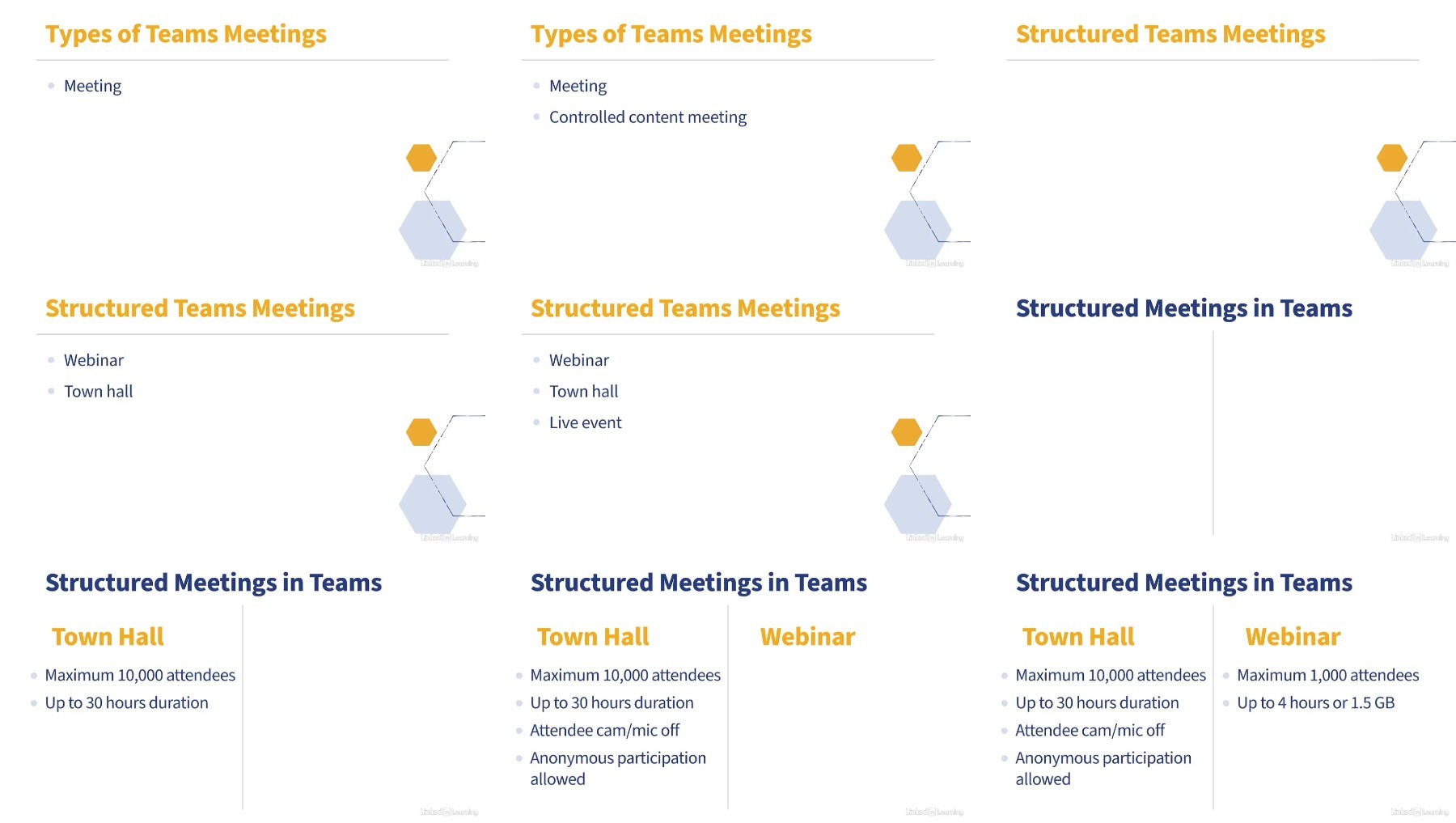
In this course, Gini von Courter shows how to use Microsoft Teams live events like town halls and webinars to help meet these challenges by providing live video streaming for meetings with up to 10,000 participants. Gini shows how to keep things running smoothly before, during, and after a meeting. She covers key topics like choosing the appropriate meeting template, scheduling live events and assigning roles, creating a registration form for a webinar, inviting participants, starting the live stream, hosting post-event conversations, and managing event recordings and reports.
More Info

We need your support!
Make a donation to help us stay online

Bitcoin (BTC)
bc1q08g9d22cxkawsjlf8etuek2pc9n2a3hs4cdrld

Bitcoin Cash (BCH)
qqvwexzhvgauxq2apgc4j0ewvcak6hh6lsnzmvtkem

Ethereum (ETH)
0xb55513D2c91A6e3c497621644ec99e206CDaf239

Litecoin (LTC)
ltc1qt6g2trfv9tjs4qj68sqc4uf0ukvc9jpnsyt59u

USDT (ERC20)
0xb55513D2c91A6e3c497621644ec99e206CDaf239

USDT (TRC20)
TYdPNrz7v1P9riWBWZ317oBgJueheGjATm